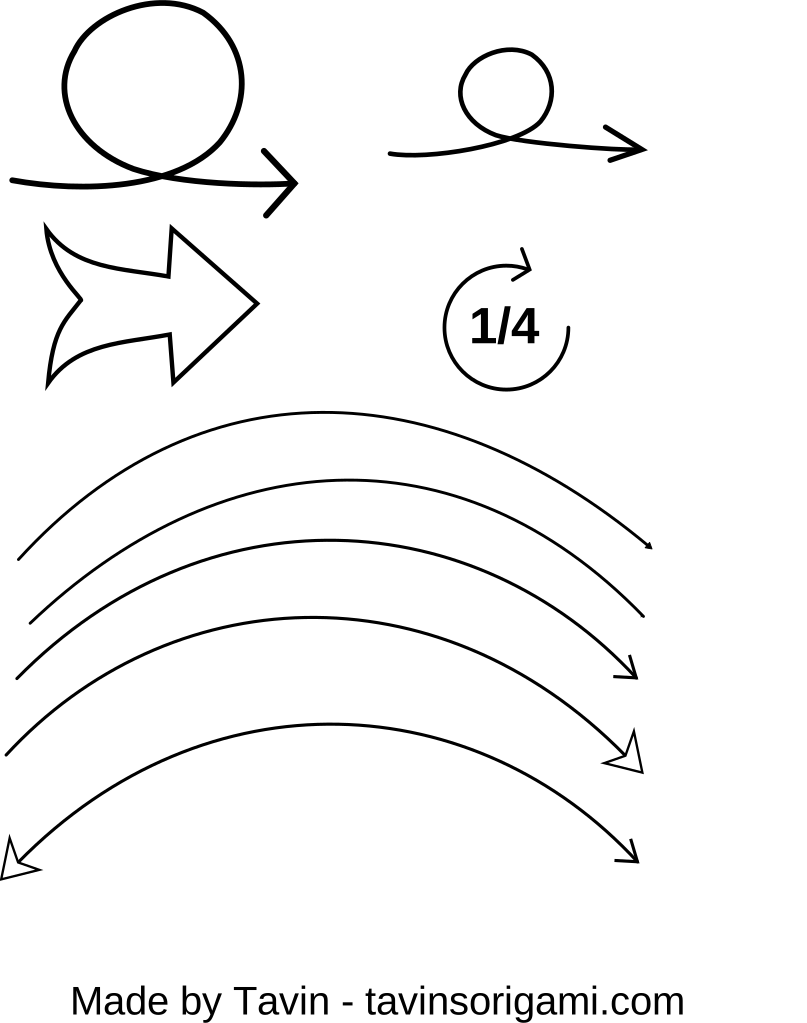
Function comes first here: straight pointers, curved directional lines, chevrons, double-headed swap icons, and hand-drawn sketchy arrows built to guide the eye or indicate direction rather than decorate. Flat UI-style arrows sit alongside looser, sketch-style ones meant for infographics or annotated diagrams, covering both interface and illustrative use. As vectors, an arrow's point stays sharp at any size, from a tiny back-button icon to a large wall-sized wayfinding sign, and weight or colour can be adjusted instantly to fit a design system. With no background behind the shape, an arrow overlays a map, a screenshot, or a coloured banner without a white box breaking the line. Interface and app designers use these constantly for navigation and buttons, presentation decks lean on them for flow diagrams and process steps, and signage and wayfinding projects use the bolder styles outright. Pick the direction and weight you need, resize or recolour it, and it's free to download for your own work.