
Free Transparent PNG – Rectangular Transparent
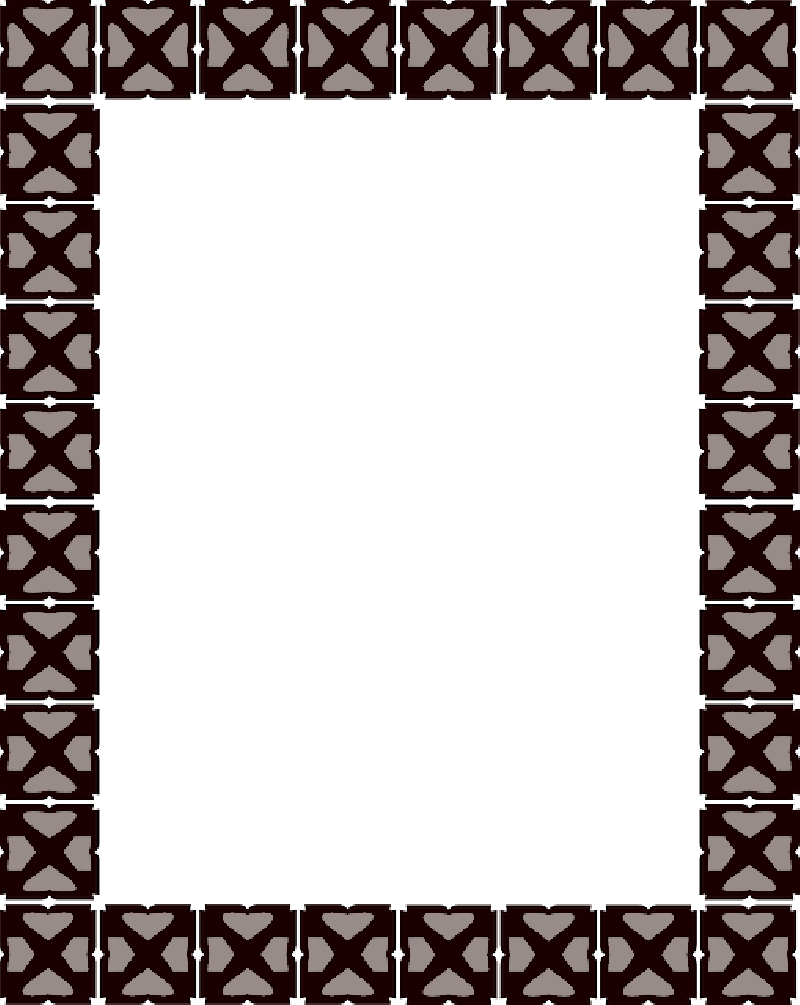
Image details
- Name
- Rectangular Transparent
- Category
- Rectangular · Miscellaneous
- Resolution
- 800x1005 px
- Format
- PNG with alpha (transparent)
- File size
- 54.3KB
- License
- CC BY-NC 4.0
- Author
- Jason Newhouse
- Rating
- 2
- Views
- 1496
- PNG downloads
- 407
- Icon downloads
- 159
- Date added
- 24-12-2016
Rectangular Transparent has a transparent background. This PNG has a resolution of 800x1005. You can download the PNG for free in the best resolution and use it for design and other purposes. Rectangular Transparent just click on Download and save.
Need a clean four-sided shape rather than a subject? This set delivers rectangles in every guise - plain colour blocks, rounded-corner rectangles, gold and wooden rectangular frames, rectangular banners and labels, and dotted outline boxes. They arrive as flat fills, metallic 3D, and simple line versions. Each shape is a high-resolution transparent PNG, so the rectangle lays over a photo, a coloured card, or patterned paper with crisp edges and no backing panel. The large source keeps the corners clean and any texture sharp whether printed on a certificate or shrunk to a web button. Designers build banners and labels, crafters cut card shapes, and app makers frame content blocks. Sign makers and print shops use them too. Every rectangle is free to download and easy to recolour, resize, or fill with your own content.
Color palette
Palette wallpaper
Use this PNG & give credit
Please give attribution to freepngimg.com if you use this PNG on your blog or website. Thank you!